Why Bloggers Need Pinterest
Your best blog post can’t grow your business if nobody finds it. Learn how Pinterest helps bloggers use keywords to build evergreen traffic, reach new readers, and spend less time chasing leads.


You can write the best blog post of your life, and it won't matter if nobody finds it. That's the truth nobody tells bloggers early enough. Traffic doesn't just happen. And the fastest way to get it isn't posting more, it's using the right keywords in the right place, and Pinterest is that place.
Who This Is For
- Bloggers with an online business who need more lead traffic without chasing it themselves
- Content creators who want to focus on the creative marketing side while something else handles the reach
- Ambitious women building a family first business who want time freedom, not more to manage
- Anyone shopping stocking stuffer ideas for the blogger or content creator in their life, including themselves
Table of Contents
Search engines and social media will get you some traffic. Pinterest gets you reach. It gets you views. It gets you lead generation, on autopilot, while you focus on writing instead of hunting for readers. Blogging is a keyword you should already know well. Pinterest is what makes that keyword actually count.
Why Blogging Alone Isn't Enough
Here's what changed for me. I stopped going out and chasing leads and let Pinterest do that searching for me. As a content creator, my job became the creative marketing piece, not the hustle of finding an audience. Pinterest is the leverage. You write the blog. Pinterest gets it seen.
If you have a blog attached to an online business and you're not using Pinterest yet, you need it. Not eventually, now. Evergreen traffic and consistent Pinterest marketing are what separate a blog nobody finds from one that keeps bringing in new readers months after you hit publish.
Keyword Clarity, Your Starting Point
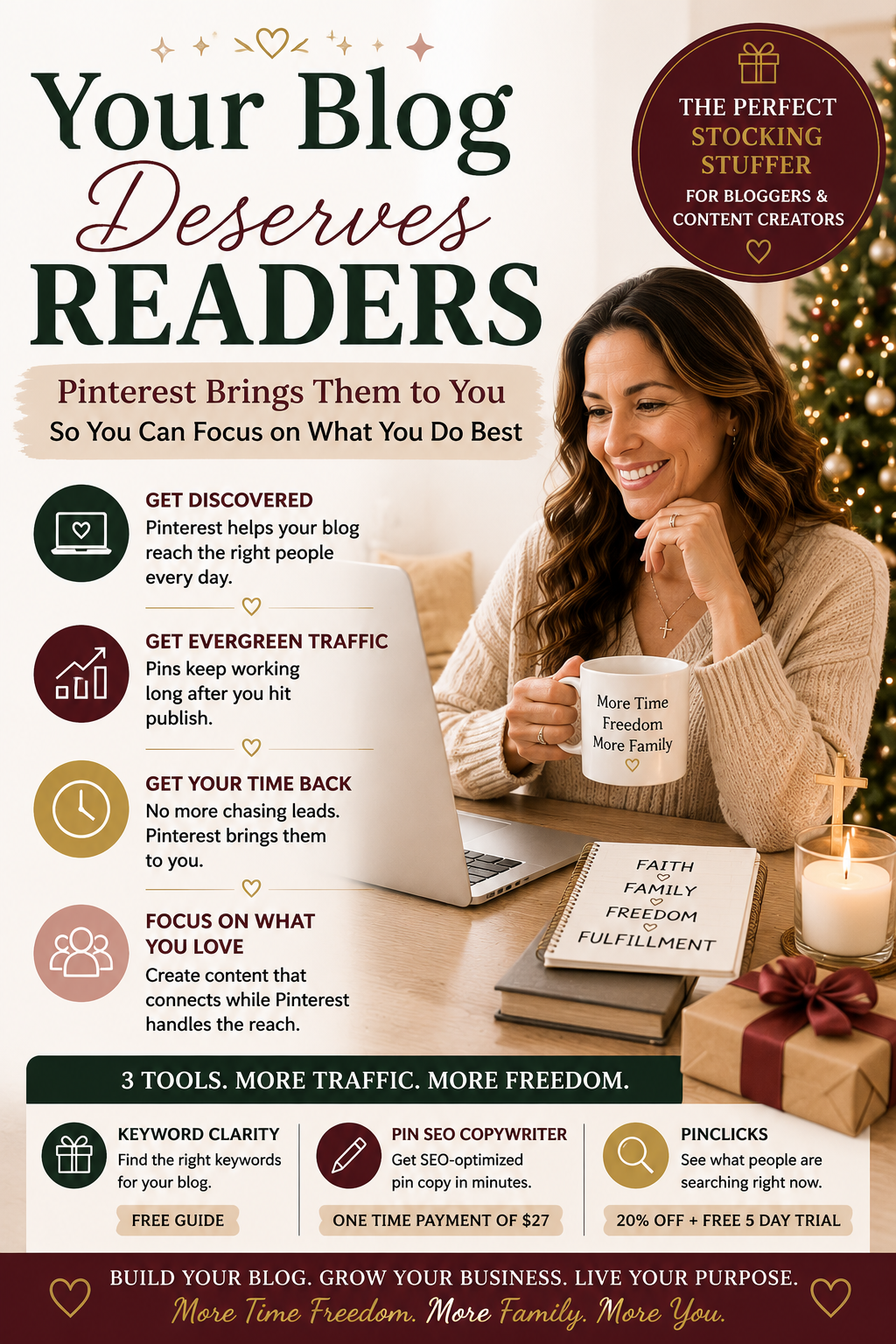
Before anything else, you need to know which keywords actually get your blog seen. That's exactly what Keyword Clarity gives you, a free guide that takes the guesswork out of it completely.
The Pin SEO Copywriter, No More Blank Screens
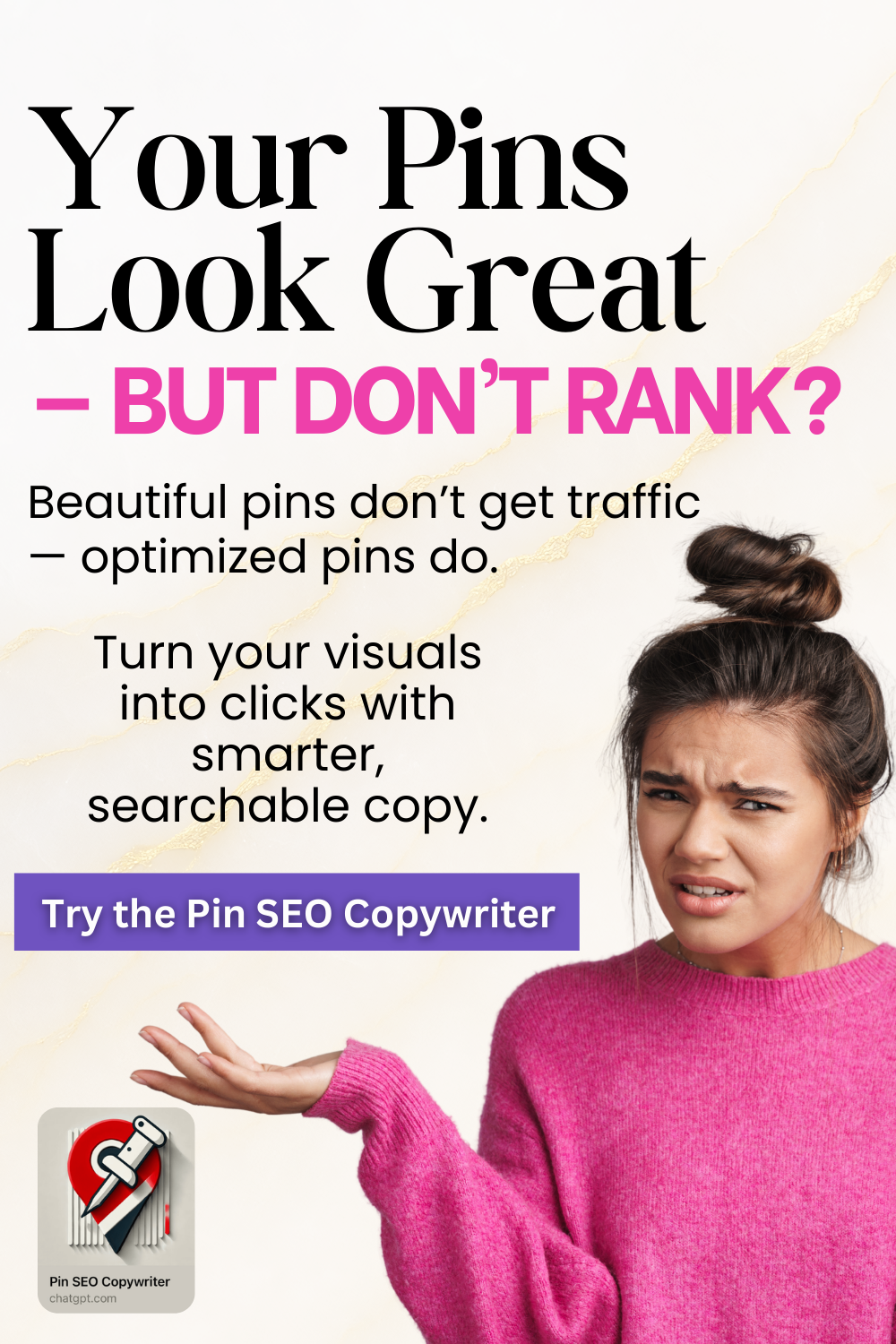
Once you know your keywords, you still have to turn them into a pin that actually works. This is where most people get stuck staring at a blank screen, second guessing every word. The Pin SEO Copywriter fixes that. You answer a few questions, and it hands you back your pin copy, done. No overthinking, no piecing it together yourself. For a one time payment of $27, that's genuinely all you need.
[Get the Pin SEO Copywriter here.]
PinClicks, Know Exactly What's Being Searched
If you want to go a step further, PinClicks shows you the exact keywords people have searched in the last 30 days, so your traffic reaches further than guessing ever could. I use it myself, and I have an affiliate link that gets you 20% off, plus a free 5 day trial to test it out first. This one's not for everyone right away, but if you want more traffic now, it's worth it.
[Get PinClicks here, 20% off with a free 5 day trial.]
FAQ
Do I need all three of these to get started?
No. Start with Keyword Clarity, since it's free, then add the others as you're ready.
Will this actually replace social media for getting traffic?
It won't replace it, but it gives you evergreen traffic that keeps working long after a social post disappears from the feed.
Is this only for bloggers who already have a big following?
No. This works whether you're just starting or already established, since it's built on keywords, not followers.
If you're looking for stocking stuffer ideas this year, put these on your Christmas wish list. This is genuinely one of the best Christmas gift ideas for the blogger trying to build real time freedom, financial freedom, and more quality time with their family instead of chasing leads all day.
If any part of this stood out to you, message me the top three things that hit home. I read every single one.
Come say hi: Pinterest | YouTube | TikTok
Some links in this post are affiliate links, which means I may earn a small commission at no extra cost to you. I only recommend tools I actually use myself.